
A trigger decides when an automation runs. Pick one per automation.
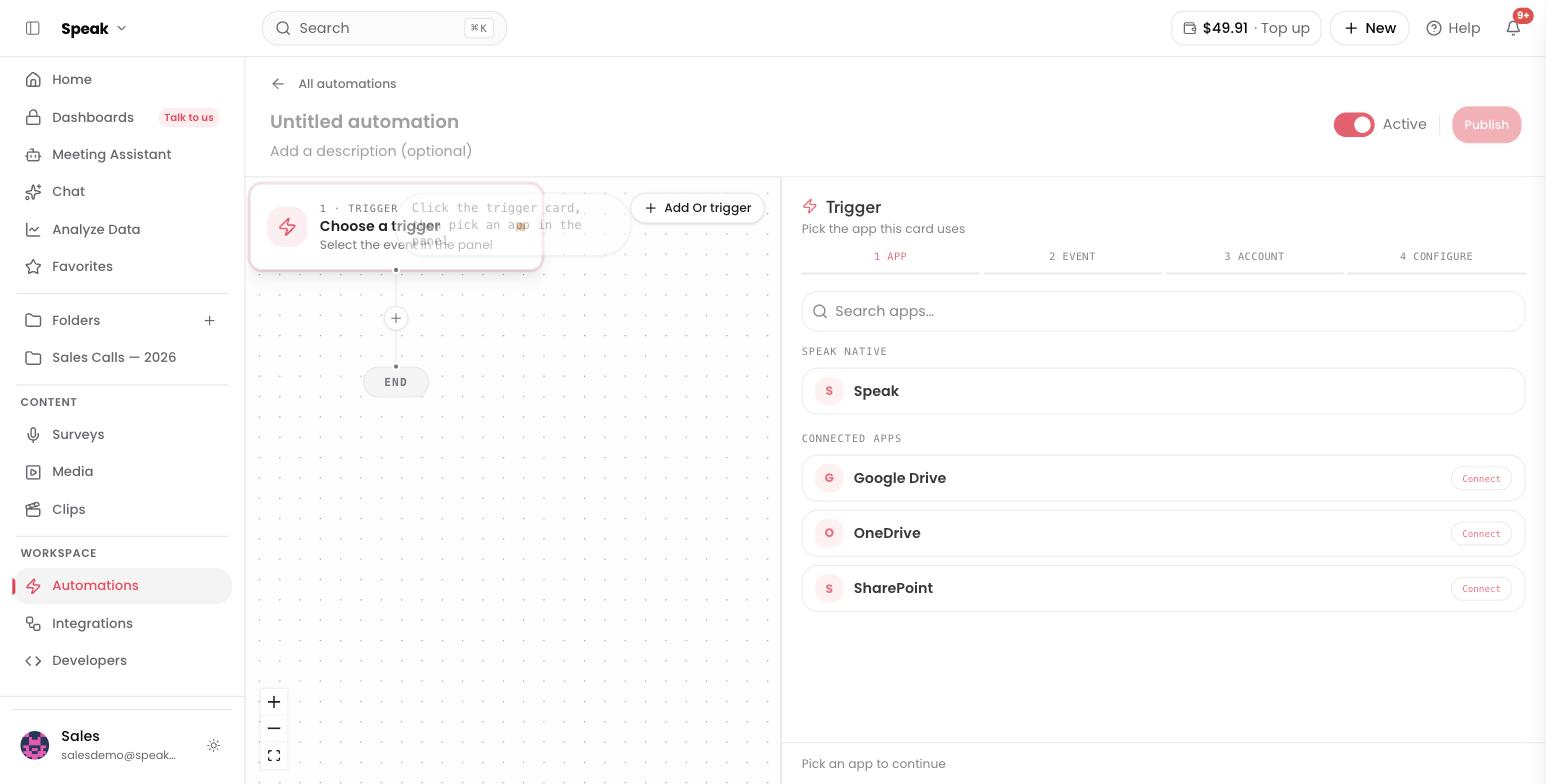
Which triggers can start a Speak AI automation?
The automation canvas offers six triggers that fire on a Speak AI event, plus four that fire on an event in a connected app.
- Media analyzed in folder: runs on each new media file in the folders you pick, as it finishes processing. The default for score-every-call and extract-on-arrival workflows.
- Field value updated: runs when the value of a custom field you are watching changes. Pick at least one field to watch.
- New recording received: runs when someone submits a recording to one of the recorders you pick. Pick at least one recorder.
- New clip generated: runs when a clip finishes rendering in the folders you pick.
- AI chat answered in folder: runs when an AI chat answer completes in the folders you pick. Only chats scoped to a folder qualify.
- Catch inbound webhook: an external tool starts the run by sending an HTTP request, so Zapier, Make, or your own script can hand work to Speak AI.
Which connected apps can start an automation?
Four apps can start an automation with a new file, once you connect them on the Integrations page. Each one brings audio or video into Speak AI, so the steps after it read a real transcript.
- New file in Google Drive: runs on each new file in the Drive folder you pick.
- New file in OneDrive: runs on each new file added directly to the OneDrive folder you pick. Items in subfolders do not count, and OneDrive is checked every couple of minutes, so expect a short delay.
- New Zoom cloud recording: runs on each new cloud recording on the connected Zoom account, once Zoom finishes processing it. Zoom is checked every couple of minutes.
- New audio or video on a ClickUp task: imports the audio and video files attached to tasks in the ClickUp workspace, space, folder or list you pick. ClickUp tells Speak AI when a task is created or changed, and each file is imported once.
Pick the scope on the ClickUp trigger under Workspace, space, folder or list to watch. The trigger has to be the automation’s only trigger, so if you have added Or triggers the canvas blocks the save until you remove them.
HubSpot and Salesforce can also start an automation when a CRM record is created or updated. These triggers bring in no recording. See HubSpot and Salesforce.
An app trigger only fires on the connection it is bound to, so a colleague’s new file no longer starts your automation.
How do you run an automation on a schedule?
Scheduled runs are a Run mode on the folder trigger, not a separate trigger. Open the trigger and set Run mode to Schedule: run on a recurring schedule to run across a folder on a cadence, for digests and batch jobs. The default is Instant: when a file finishes processing. Schedule mode needs a folder trigger with at least one step, and stays greyed out until you have one.
What can you configure on the new recording trigger?
The New recording received trigger takes a list of recorders and a Wait for analysis to finish switch, which is on by default.
- On: the automation runs after the recording is analyzed, so AI steps have a transcript.
- Off: it runs the moment the recording lands, with the submitted answers only.
A recorder that does not transcribe on submission never finishes analysis, so it cannot be used with Wait for analysis to finish. The recorder picker marks those recorders auto-analyze off. Either turn the switch off for them, or turn on Transcribe & Analyze in the recorder’s settings.
What can you configure on the new clip trigger?
The New clip generated trigger takes a list of folders and an optional Generation source filter that narrows which clips qualify.
- Cut by hand, clips you trimmed yourself.
- From an AI chat, clips created out of an AI chat answer.
- AI generated, clips Speak AI produced for you.
Leave Generation source empty to fire on every clip, however it was made.
A clip is not a media file, so no step that needs media can follow this trigger directly. Add a Speak Upload step to bring the clip back in as media when a later step needs it.
What can you configure on the AI chat trigger?
The AI chat answered in folder trigger takes a list of folders and an Allow chats created by automations switch, which is off by default.
- Off: an AI step inside an automation never re-fires this trigger.
- On: chat chains are allowed, up to 5 hops.
Leave it off unless you want one automation’s answer to start another. The hop limit is what stops a chain running forever.
How do you choose a trigger?
Match the trigger to the event that should start the work. If the work belongs to one file, use Media analyzed in folder. If it summarizes many files, set Run mode to schedule. If a form submission starts it, use New recording received. If another system knows when to run, use the webhook. Scope any of them with filters so the automation only touches the media it should.
Want a hand designing the first one? Book a free consult.
Related: Automations · Filters · Actions