
A filter decides which media qualifies before the action runs, so a sales-call scorer never touches your research interviews.
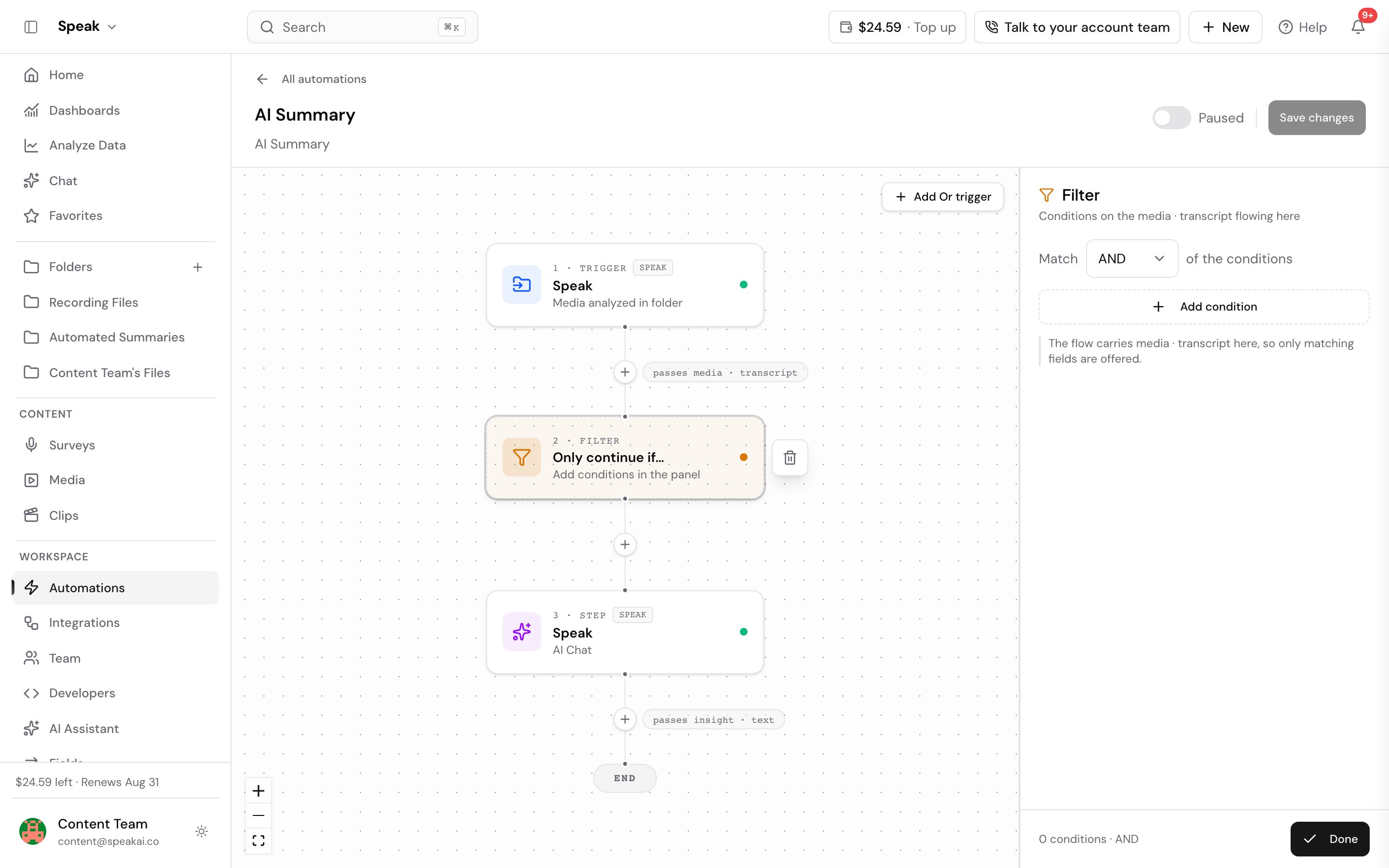
What you can filter on
- Folder: the most common scope. The automation only sees media in the folders you pick.
- Tags: run only on media carrying, or missing, a tag.
- Media properties: type, language, duration, and other attributes of the file.
Filters combine, so “in Sales Calls, tagged inbound, longer than 5 minutes” is one filter set.
A filter decides whether the automation runs at all. To keep it running but send different files down different paths, add a branch instead.
Why filters matter more as you grow
Without filters, every automation sees everything, and the second team to adopt Speak AI breaks the first team’s workflow. Scoped automations are what let one workspace run many workflows side by side. Set the folder filter on day one, even when the workspace is small.
Want a hand scoping yours? Book a free consult.
Related: Automations · Triggers · Actions · Branches