
An automation does work you’d otherwise repeat by hand, like scoring a call, extracting fields, or sending a notification, on its own: either the instant new media arrives or on a schedule across your library.
Every automation is three decisions:
- Trigger: when it runs: each new file in a folder, an updated field, a new recording, a new clip, a finished AI chat answer, a schedule, or an inbound webhook from another tool
- Filter: which media qualifies, so a sales-call scorer never touches your research interviews
- Action: what happens: run an AI prompt, search the web, write fields, send the result somewhere
One automation does not have to do the same thing to every file. Add a branch and it splits into a yes path and a no path, so a low-scoring call can take one route and everything else another.
Start from a ready made one
Every app Speak AI connects to ships starter automations, so you rarely have to build the common ones yourself. Open Integrations, select the lightning bolt button on the app’s row, and pick a card. The canvas opens with the flow already built and everything still editable.
Create an automation
- Open Automations in the sidebar and select New automation.
- Choose the trigger. Media analyzed in folder, left on the Instant run mode, covers most workflows.
- Scope it with filters: folder, tags, or media properties.
- Add the action. An AI prompt with variables fills in each file’s own transcript and fields.
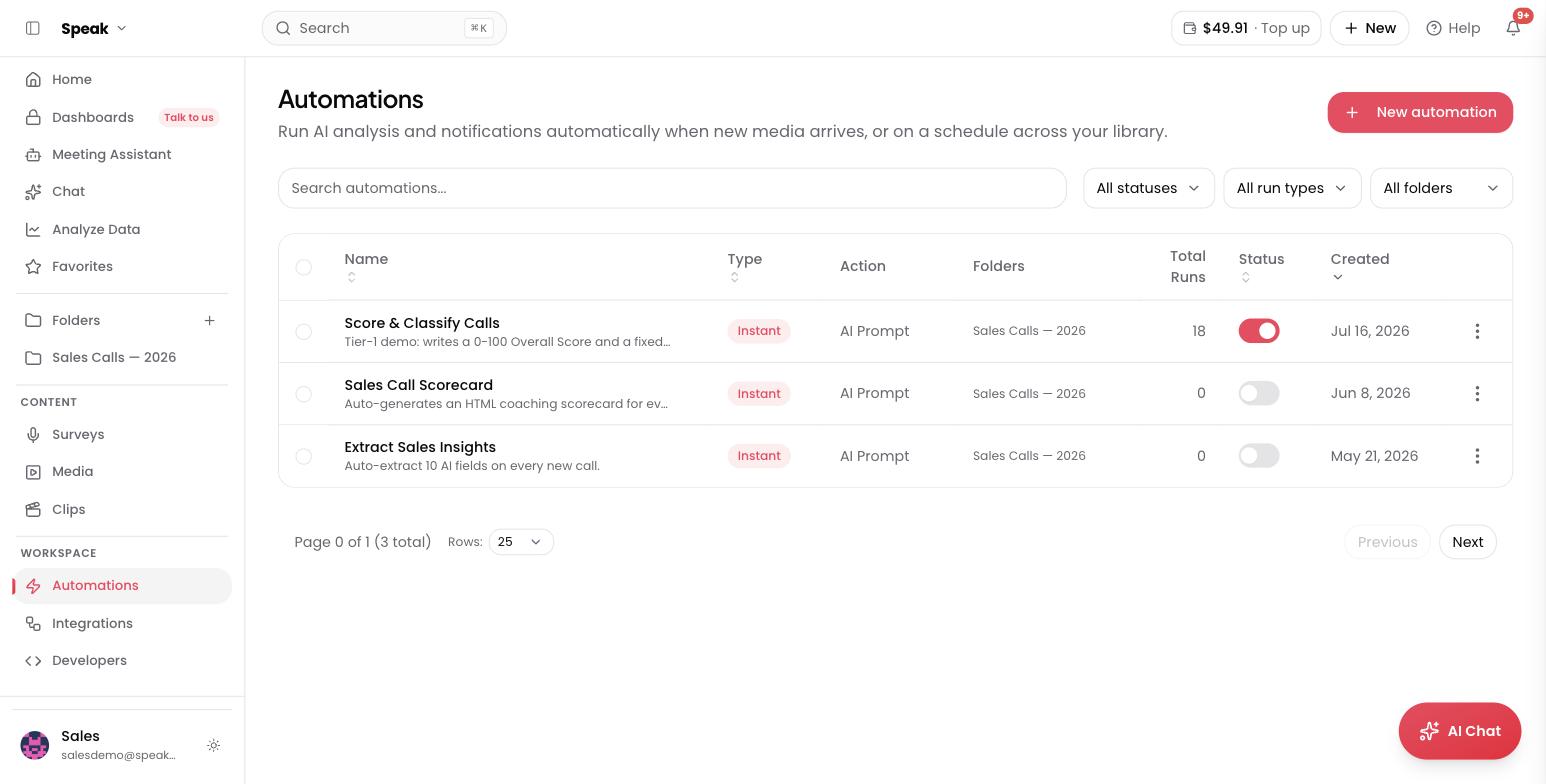
- Turn it on. The list shows every automation’s run count and status; toggle any of them off without deleting.
Select an automation’s run count to open its run history and see every execution, what fired it, and what each step produced.
What teams automate first
- Score every sales call against the same rubric, the moment it lands
- Extract the same 10 fields from every customer interview
- Route recorder submissions: transcribe, summarize, and file them by answer
Want a second pair of eyes on your first workflow? Book a free consult and we’ll build it with you on your own data.
Related: Starter automations · Triggers · Filters · Actions · Branches · Web search · Variables · Inbound webhooks