
Speak AI shipped 45 updates in 2024, across 6 months.
Showing 45 of 45 updates.
December 2024
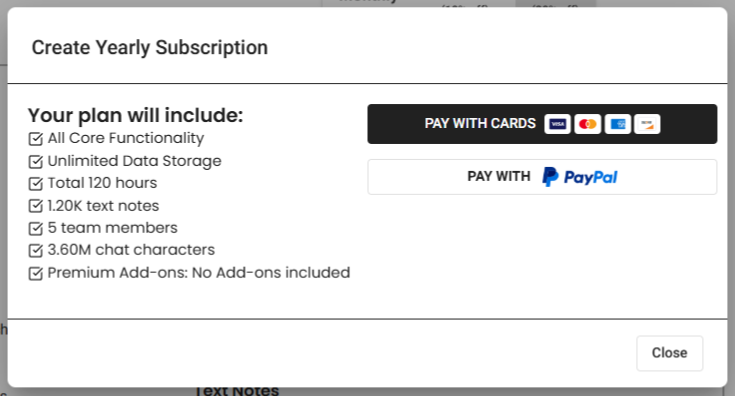
Pay with PayPal
Feature · December 15, 2024
PayPal now works for subscriptions and balance top ups. When paying, just select the Pay With PayPal button, which supports people without credit cards.
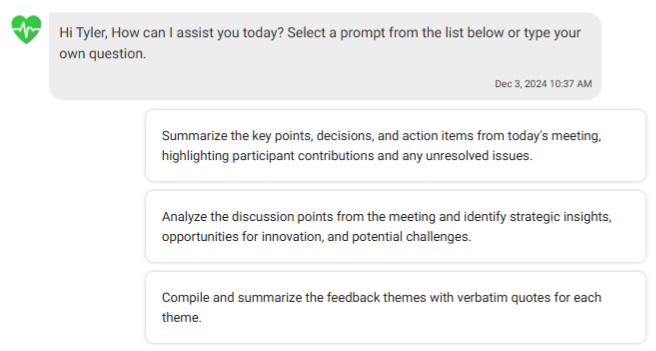
AI chat conversation memory
Improvement · December 15, 2024
AI chats now store previous questions and answers, giving the AI better context and stronger follow up answers.
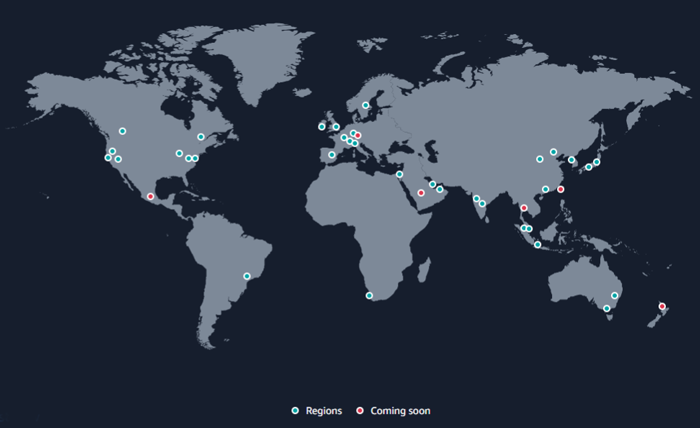
Store media in chosen regions
Security · December 15, 2024
Speak can now store your media in selected regions for data compliance. This option is available on enterprise plans.
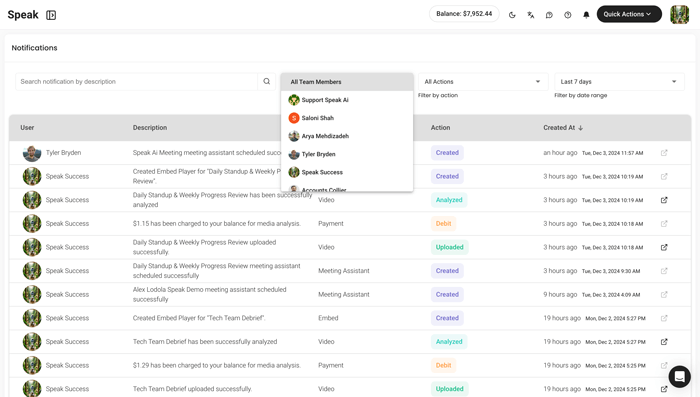
Usage notifications and filters
Improvement · December 15, 2024
Notifications now has filters for team members, actions and date range, plus search, so it is a useful place to monitor team usage.
Recorder cloning improvements
Improvement · December 15, 2024
Recorder cloning was improved, and the UI for all payment methods and options was enhanced.
October 2024
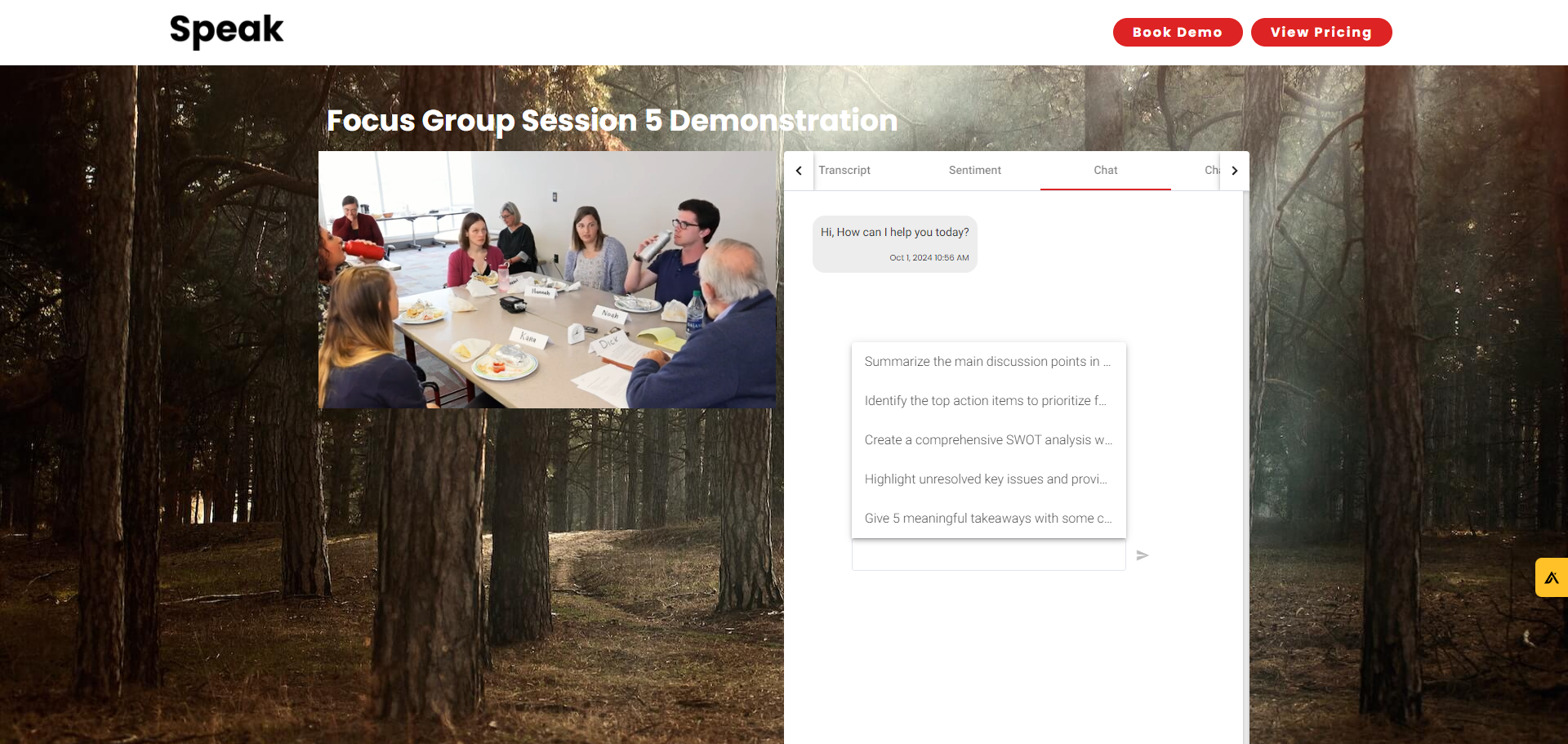
Share files with AI chat enabled
Feature · October 15, 2024
When sharing an individual file or library you can let viewers chat with the media using an assistant template. Questions and answers appear in your chat history and characters come from your account.
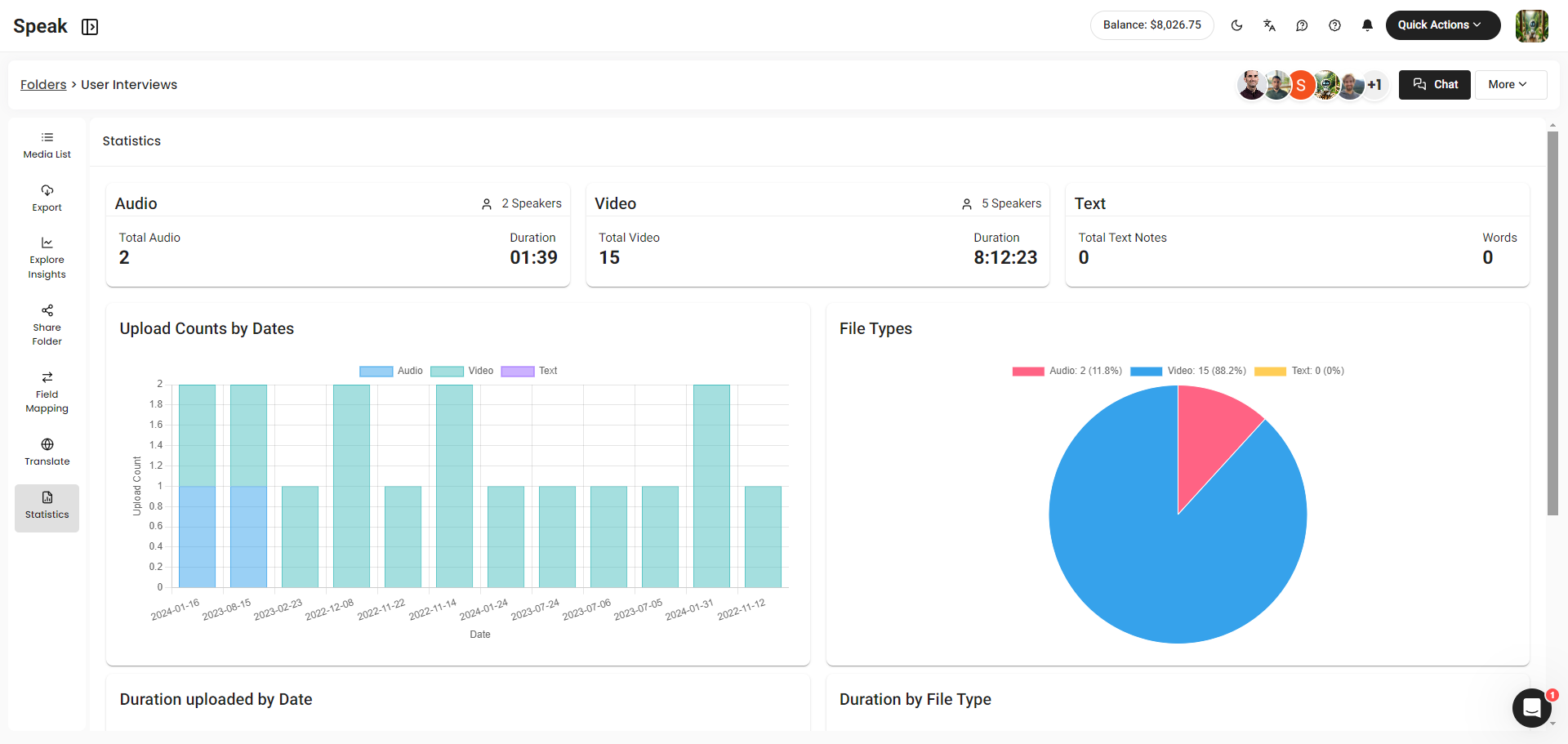
Folder statistics view
Feature · October 15, 2024
Every folder now has a statistics view with a breakdown of media types, speakers, dates, file types and durations to help you summarize your data set.
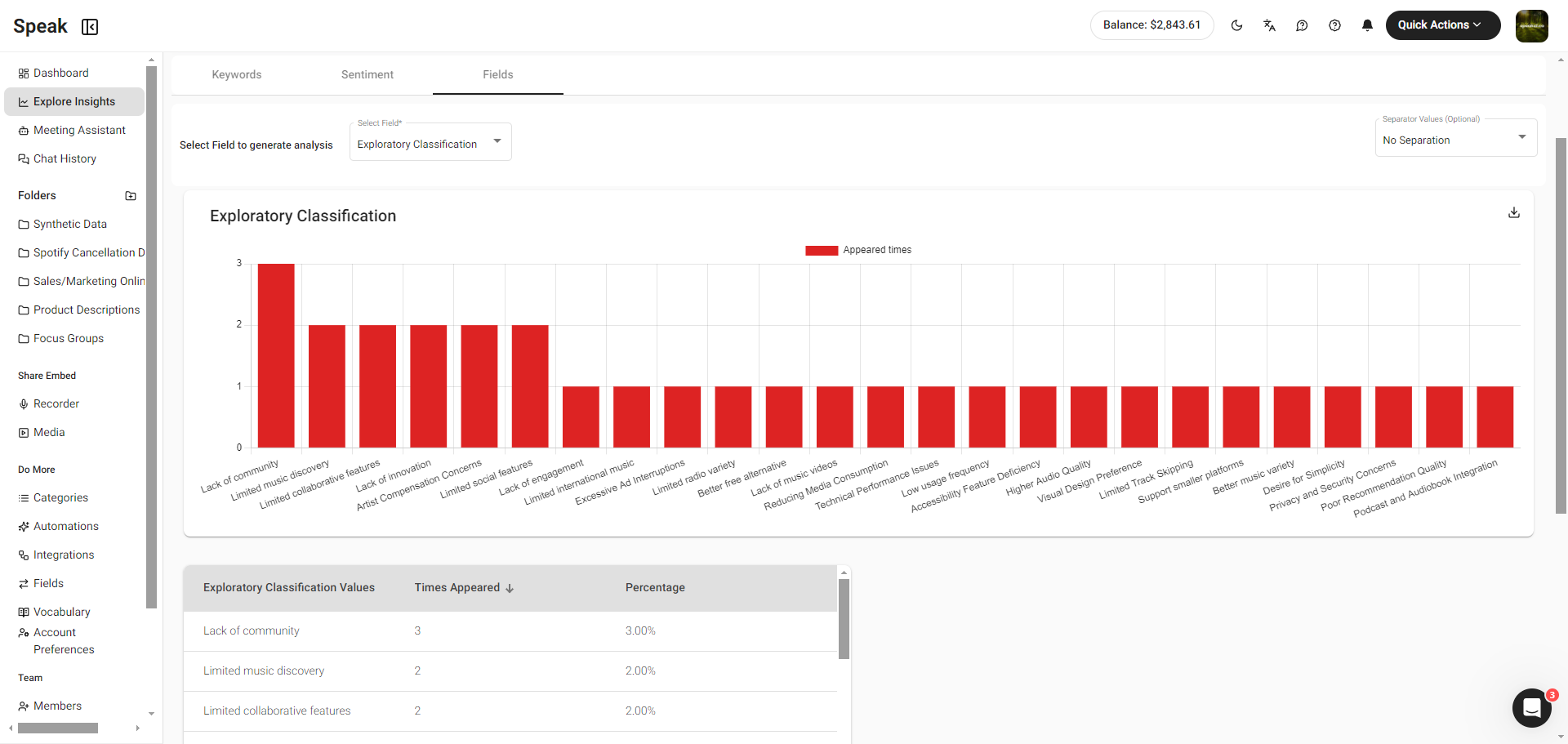
Analyze fields without comparing
Improvement · October 15, 2024
You can now analyze fields on their own without comparing data, and you can analyze comma separated outputs.
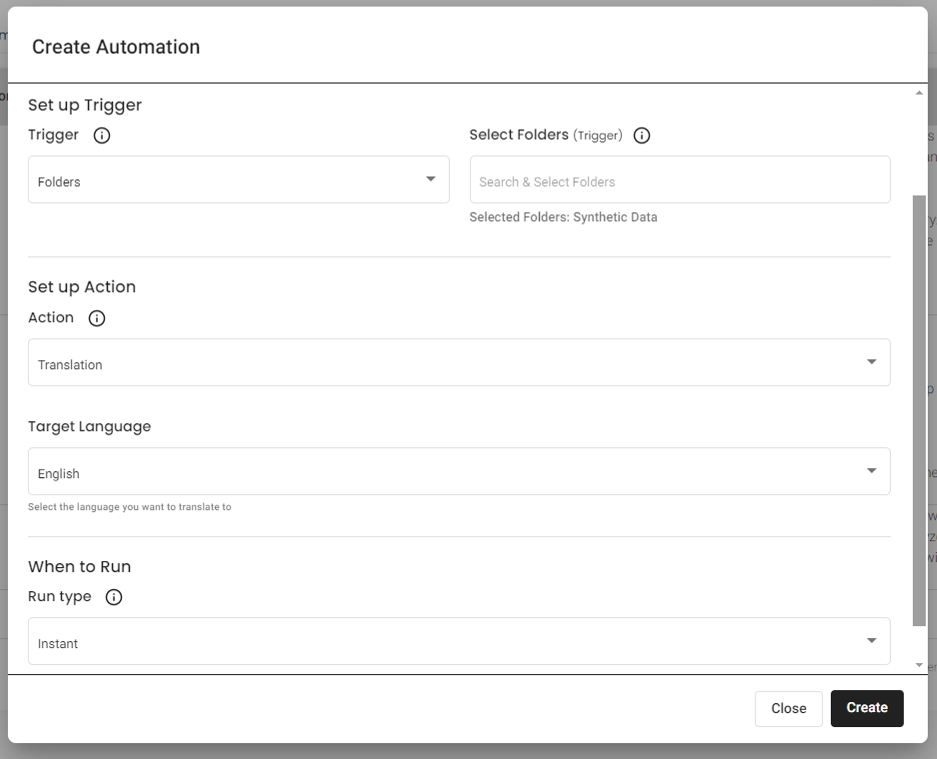
Instant translation in automations
Feature · October 15, 2024
Automations can translate a file to a target language the moment it is uploaded, or on a set schedule.
Transcribe your files again
Feature · October 15, 2024
You can now re run transcription on your files.
August 2024
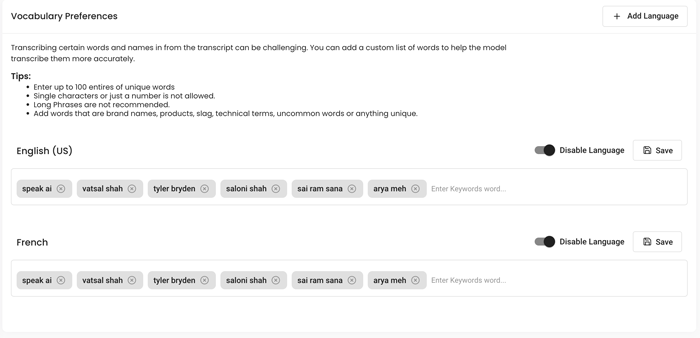
Custom vocabularies
Feature · August 15, 2024
You can add up to 100 words or phrases per language to improve transcription accuracy right away. Available to all subscribers in English and French with more languages coming.
Word by word transcript playback
Feature · August 15, 2024
Speak now plays transcripts word by word so you can jump to the exact moment instead of the start of a sentence.

Pick speakers from past speaker list
Improvement · August 15, 2024
Assign speakers on the media insight page by picking from people who appeared in earlier media. Team member photos appear when available, otherwise you see their initials.
Professional captions
Improvement · August 15, 2024
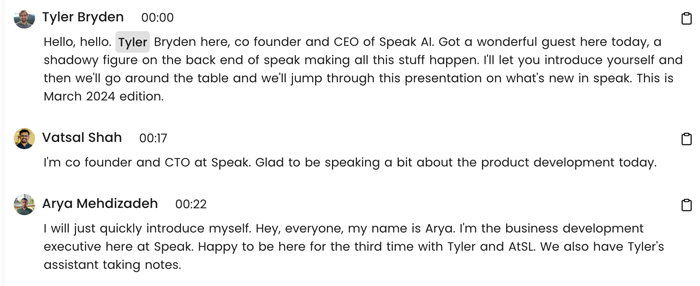
Captions now show only two lines at a time, align with speakers, appear on the video player, and can be exported as SRT and VTT.
Automatic AI summaries for meetings
Feature · August 15, 2024
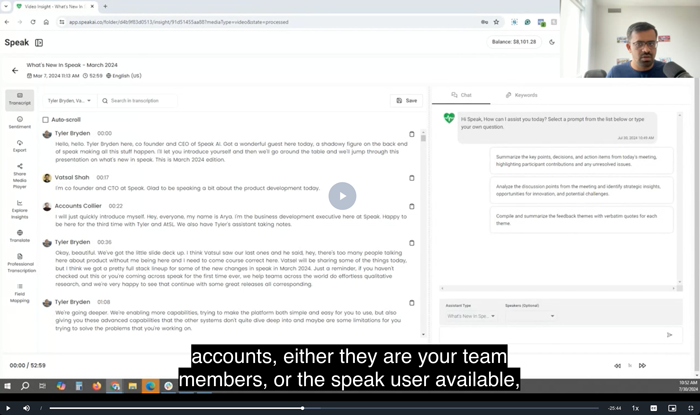
Meeting transcription users now receive automatic AI summaries.
See who folders are shared with
Improvement · August 15, 2024
You can now see who you have shared folders with. CSV mapping for uploads and the recorder page were also improved.
May 2024
Side by side AI chat
Improvement · May 15, 2024
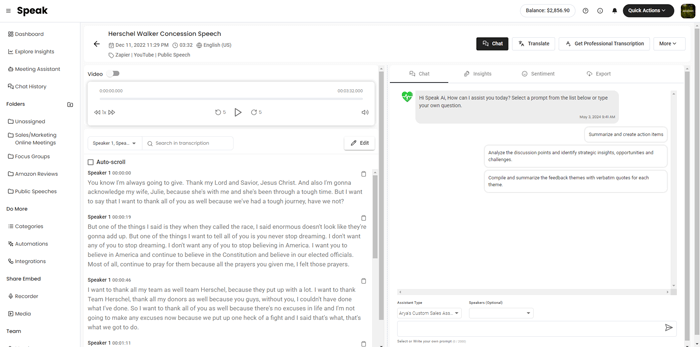
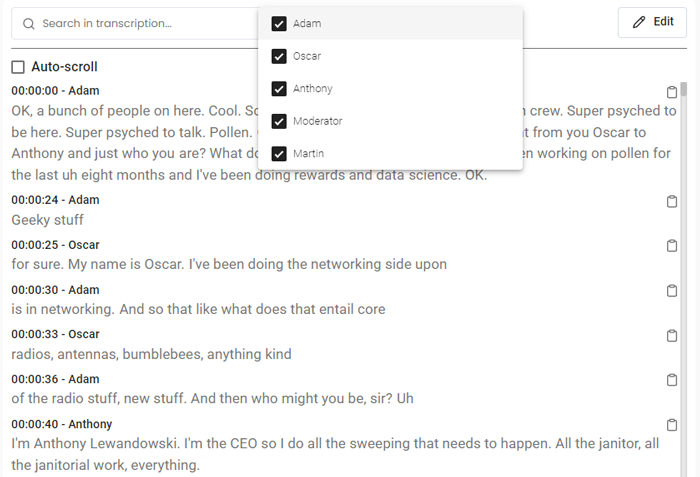
Your AI chat now sits right beside your media for easy use. You can expand the transcript and chat, filter by speaker and use assistant templates.
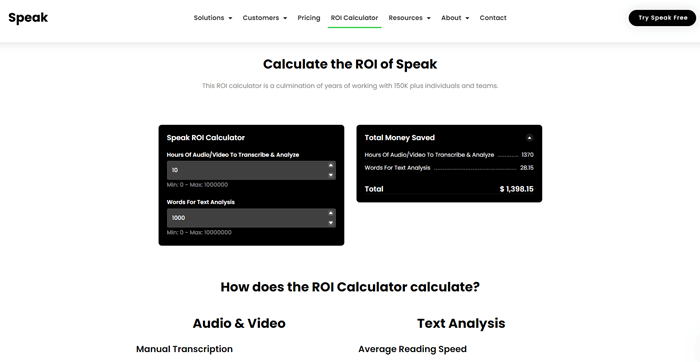
Return on investment calculator
Feature · May 15, 2024
A new calculator shows how much money and time you save with Speak based on the hours of media or words you analyze.
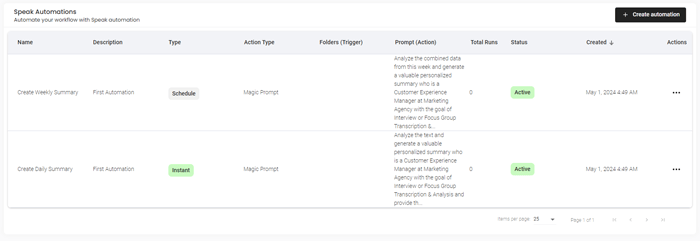
Personalized AI automations
Feature · May 15, 2024
New sign ups get personalized automations built from their onboarding details. One runs instantly and one runs weekly when files are uploaded, and you can edit or turn them off.
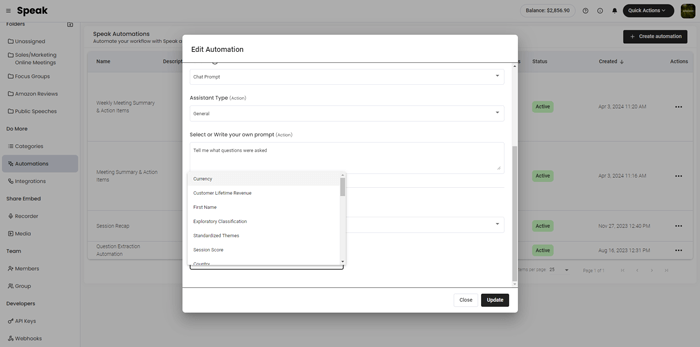
Map automations to fields
Feature · May 15, 2024
Automations can map AI responses to your fields, which you can then export to CSV or share through Zapier or the API.
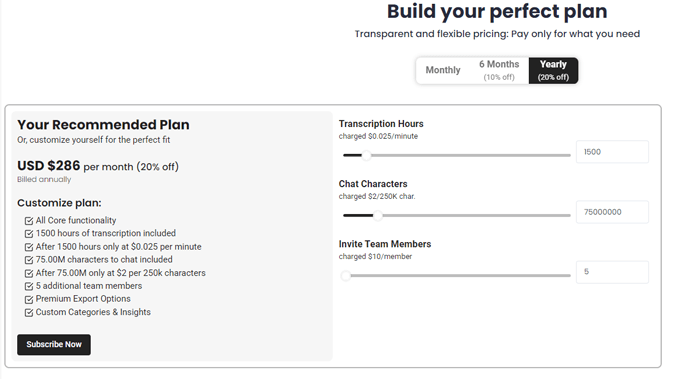
Personalized plan recommendations
Feature · May 15, 2024
Speak uses your onboarding details to recommend a plan suited to your needs, which you can adjust by changing your profile or inputs.
Clone recorders and edit notifications
Feature · May 15, 2024
You can clone recorders to speed up setup and choose which team members receive email notifications.
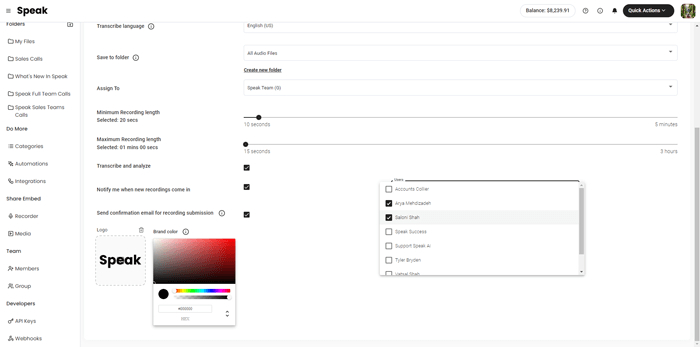
Meeting assistant status webhooks
Feature · May 15, 2024
You can now receive webhooks when a Meeting Assistant status changes.
Reset speakers easily
Improvement · May 15, 2024
You can now easily reset speakers if they were mapped incorrectly.
Outlook calendar recurring events fix
Fix · May 15, 2024
Fixed recurring events and event visibility for Outlook Calendar.
Select many files at once
Improvement · May 15, 2024
You can hold shift and select many files at once. Mobile responsiveness and the find and replace transcript editor were also improved.
April 2024
Translate media in 99 languages
Feature · April 15, 2024
You can now translate audio, video and text in 99 languages almost instantly. Speak calculates the cost, charges when you order, and creates labeled text notes for each translation.
Scrape web pages and sitemaps
Feature · April 15, 2024
You can scrape individual pages and full sitemaps, and Speak pulls the page text without headers and footers so you can analyze and visualize it right away.
Map file analysis to fields
Feature · April 15, 2024
You can run analysis on each file in a folder and map the responses to a chosen field, which lets you evaluate large data sets without model character limits.
Intelligent meeting routing
Feature · April 15, 2024
Speak can use calendar event titles to route meetings to specific folders and run the exact chat automations you set for each type of call.
Live transcription in the app
Feature · April 15, 2024
You can now transcribe audio or video in real time directly in Speak, then upload the file afterward for even more accurate transcription and analysis.
Meeting assistant timelines
Feature · April 15, 2024
You can review a timeline of meeting assistant activity for each call from the Meeting Assistant page.
Update custom fields across files
Improvement · April 15, 2024
You can now update fields at the folder or individual file level across selected files in just a few clicks.
Two factor authentication
Security · April 15, 2024
You can now turn on two factor authentication with Google Authenticator or another app, so Speak asks for a code every time you log in.
Submit chat response feedback
Improvement · April 15, 2024
You can leave quick thumbs up or thumbs down feedback on responses from the Chat History page, using standard options or your own words.
Fixed recurring meeting events
Fix · April 15, 2024
Fixed a recurring events issue for the Speak AI Meeting Assistant.
March 2024
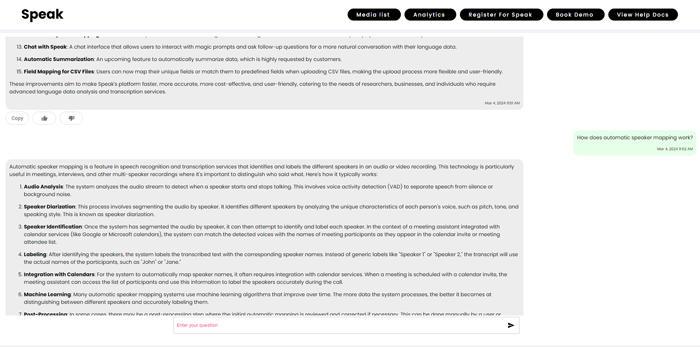
Chat with your data is live
Feature · March 15, 2024
You can now have a back and forth chat with your media instead of single prompts. Chat keeps context, lets you reformat answers, and works inside shared media libraries.
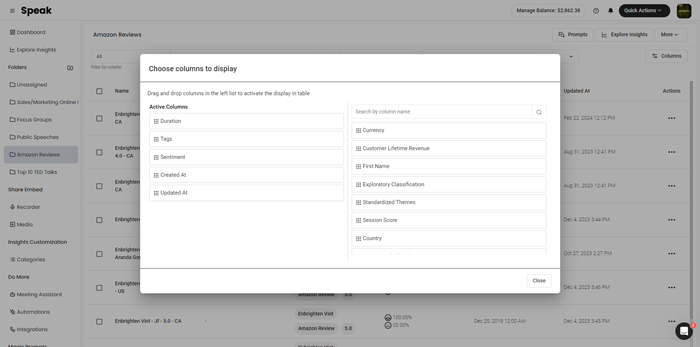
Manage your table columns
Feature · March 15, 2024
You can choose which columns show for your data using a drag and drop view, so you get a high level look at a folder without opening each file. Speak remembers your column choices.
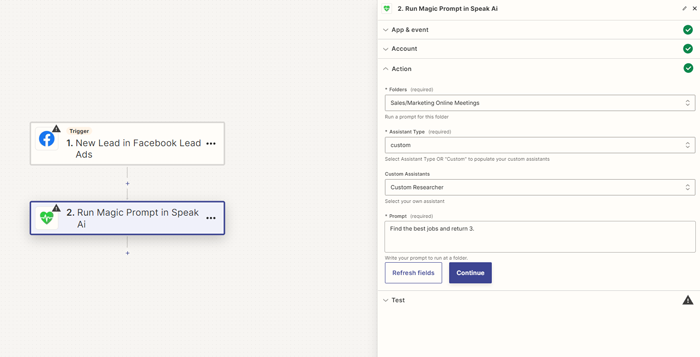
Run Magic Prompts action in Zapier
Feature · March 15, 2024
A new Run Magic Prompts in Speak action lets you pass data to Speak and generate responses inside no code Zapier workflows, and chain many actions together.
Transcribe ten hour and 5 GB files
Improvement · March 15, 2024
Speak can now handle files up to ten hours long and up to 5 GB in size.
Automatic speaker labeling for meetings
Feature · March 15, 2024
Speak now gathers the details of meeting attendees and labels the speakers automatically once the meeting is transcribed, so you can filter speakers across all your meetings.
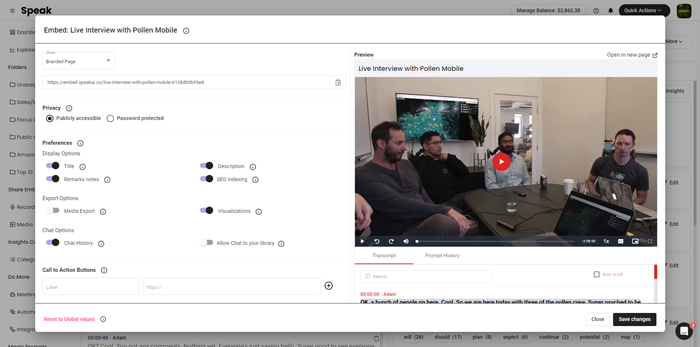
Redesigned media sharing interface
Improvement · March 15, 2024
The interface for sharing individual media players and libraries was redesigned with all the latest options for logo, background, insights and functionality.
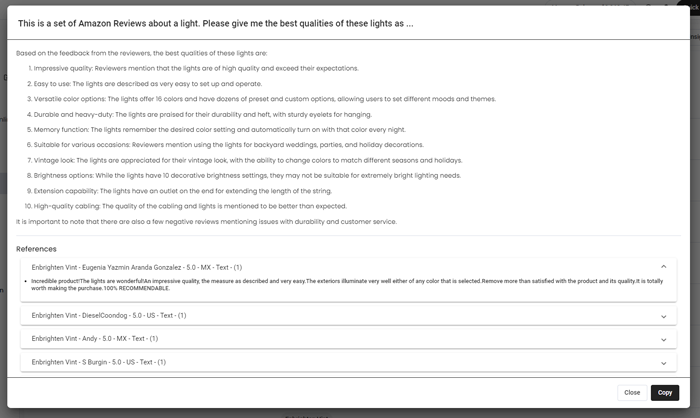
Data is now embedded automatically
Performance · March 15, 2024
Speak now embeds your data automatically using retrieval augmented generation, so you can analyze very large data sets with quicker responses, lower character use and source references.
Leave feedback on chat responses
Improvement · March 15, 2024
You can now leave feedback on chat responses to help improve the quality of future answers.
Cached answers for repeated questions
Performance · March 15, 2024
Repeated questions now return cached answers quickly without using characters.